





How to Simplify K-12 Finance Software Setup in 2026

Key takeaways:
- The biggest setup risk in K-12 isn’t the tool, it’s the migration. And when migration goes poorly, adoption may never get off the ground.
- School finance software support matters more than features during the first year. Ask who does the data migration and who picks up the phone during year-end.
- Organize rollout by role. A coach collecting gate receipts and a district finance officer need different things on day one.
- For a multi-school district, one connected platform is far superior to every school using individual tools. It’s more cost effective, more secure, and easier for both districts and schools.
- Tailor training to the people who actually handle the money. And remember: most of them aren’t accountants.
The hardest part of new school finance software usually isn’t the software. It’s the week you turn it on.
A new finance director walks into a district with twenty schools, each closing out its activity funds a little differently. The old system lives partly in a database, partly in a retired bookkeeper’s spreadsheets, and partly in the memory of a secretary who’s out until next Thursday. It’s a challenge. But there’s hope: this district has purchased a new platform and the go-live date is on the calendar. So: how much effort should it take to get the new tool up and running?
Setup shouldn’t consume an entire semester. The districts that do it well treat implementation as a project with a handful of clear actions, not a leap of faith. Here’s how to make K-12 finance software setup simpler in 2026, what to expect from real school finance software support, and how to choose K-12 district software that reduces the manual work instead of moving it around.
The short version: Pick a platform built for schools rather than general business accounting, plan your data migration before you sign off on a go-live date, roll the system out by role instead of all at once, and lean on the EdTech partner’s support and implementation team. A successful launch is mostly about sequencing and support, not the software itself.
Why school finance software setup feels so hard
The trouble rarely starts with the new system. It starts with the state of the old one.
Most districts aren’t replacing a clean, documented process. They’re replacing twenty different methods that twenty schools use to track the same thing. Some balances live in a spreadsheet, some in a binder, some mostly in people’s heads. This isn’t a failure on the staff’s part. They’re keeping money moving as well as they can with the systems they have…or don’t have. But this makes setting up harder, because before you can load data into something new, you have to figure out what the data even is.
What good school finance software support looks like
Features get the attention in the sales cycle. Support is what you’ll remember a year later.
When you evaluate support services for education, you’re really asking one question: when something goes sideways is there a person who understands schools on the other end? A few things separate real support from a help-desk ticket queue:
- An implementation team that knows K-12. Activity funds, year-end rollovers, and audit preparation are their own world. Generic onboarding built for retail or general business will leave your team translating.
- Data migration help, not a data migration checklist. The vendor should be in the migration with you, not handing you a template and a deadline.
- Training built for non-accountants. Your bookkeepers, secretaries, principals, and coaches are the daily users. If training assumes an accounting background, adoption stalls.
- Support that knows the school calendar. Year-end close and audit season are predictable. Strong EdTech partner support is staffed for them.
Good setup is mostly about sequencing and support, not the software itself.
How to simplify finance software implementation
A cleaner finance software implementation comes down to sequencing. Four steps cover most of it.
- Map what you have before you migrate. Walk through each school’s current process. You’ll find duplicates, gaps, and at least one account nobody can fully explain. Better to find them now than during your first audit on the new system.
- Migrate with the vendor, not alone. Your team knows the data; the vendor knows the system. The migration goes faster when both are in the room.
- Train by role, in the right order. A good provider handles the heavy technical configuration. Your job is getting the right people trained on the right things. Most users (except bookkeepers) will only use small parts of the full system. District leads usually go first, since they help set the system up, followed by the school staff who create fees and collect the money. The training that sticks is short, role-specific, and tied to the task in front of each person.
- Phase the go-live. Start with one school or one fund type, confirm it works, then expand. A staged launch turns a single high-stakes day into a series of small ones. Each success builds momentum and excitement.
Choosing an EdTech partner: 6 questions to ask before you sign
Bring these to every demo. The answers tell you more than the feature list does.
- Who actually performs the data migration? Your team or theirs?
- Is the platform built for K-12 activity funds, or is it general accounting software adapted to schools?
- Can one system handle every school in our district, or do we manage each building separately?
- What does training include, and is it designed for staff without an accounting background?
- What support is available during year-end close and audit season specifically?
- Does the software integrate with your ERP and SIS?
How KEV approaches setup and support
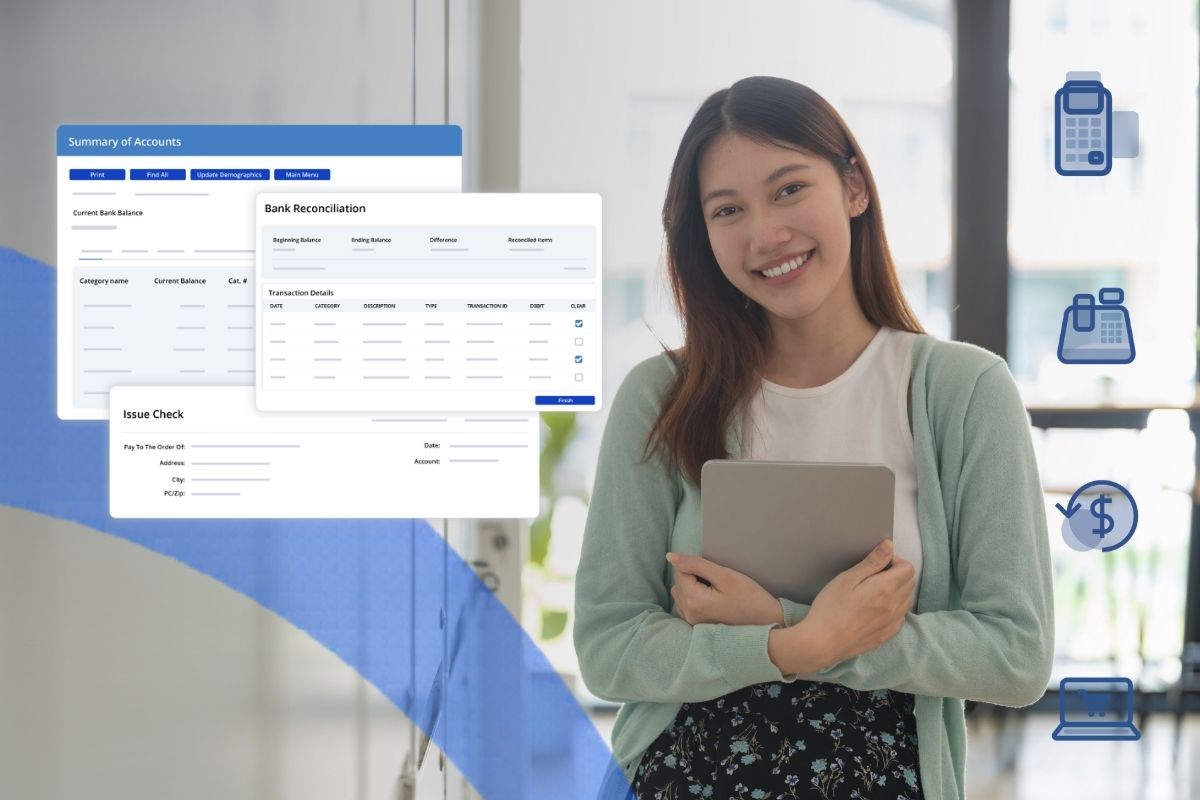
KEV Group’s SchoolCash platform is built for one job: K-12 school finance management, specifically managing school activity funds in a single connected platform. Fee management, payments online and in person, school-level accounting, disbursements, reconciliation, and audit-ready reporting all live in one place, so districts aren’t stitching together a separate tool for fees, another for payments, and a spreadsheet for everything in between.
That design carries into setup. Because it’s K-12 district software, purpose-built for schools rather than general business accounting, the migration is about school data the team already recognizes: fees, deposits, accounts, balances. Roles are set up so each person sees what they need and nothing else. A district finance officer can move from a district-wide summary down to a single student’s transaction; a principal can track their school’s balances in real time. Plus, SchoolCash connects to systems you already run, including your ERP, SIS, and nutrition systems, so setup doesn’t mean ripping out everything else.
The payoff is less manual work and a clearer line of sight over every dollar. Ascension Parish School Board reports saving 9,000 staff hours with a better payment experience, and Corvallis School District gained real-time oversight and audit confidence across 13 schools.
A successful launch day isn’t the finish line. The finish line is when schools and districts are saving time, with more visibility and security than ever before.
Frequently asked questions
How long does it take to implement school finance software?
It depends far more on the state of your current records than on the software. A phased rollout, starting with one school or one fund type and expanding from there, keeps the timeline in weeks of staged work rather than one all-or-nothing day. The cleaner your existing data, the faster it goes. When the data’s in good shape, it can move fast: the School District of Lee County brought 95 schools onto SchoolCash in three months.
What’s the difference between school finance software and general accounting software?
General accounting software is built for businesses. K-12 finance software is built for school activity funds, with the roles, approvals, and audit trails schools and districts need. The difference shows up most during audit season, when school-specific reporting is either there or it isn’t. For a full comparison, see KEV’s guide on choosing the best school accounting software.
Do we need separate software for each school in our district?
No. The right multi-school district software runs as a single platform across every building, which is simpler to run and far easier to oversee than a different tool per school. One system also means district leaders can see across all schools at once instead of chasing reports building by building.
What support should we expect from an EdTech partner?
Strong EdTech partner support means, at minimum: hands-on help with data migration, role-based training, and support from a team that understands the unique needs and rhythms of K-12, especially year-end close and audit prep.
Can it integrate with our existing systems?
A strong K-12 finance platform should connect with the systems you already run, like your ERP and SIS, so financial data isn’t trapped in separate tools. Confirm which integrations are included before you buy.
Get the latest K-12 finance best practices delivered to your inbox.
Recommended For You